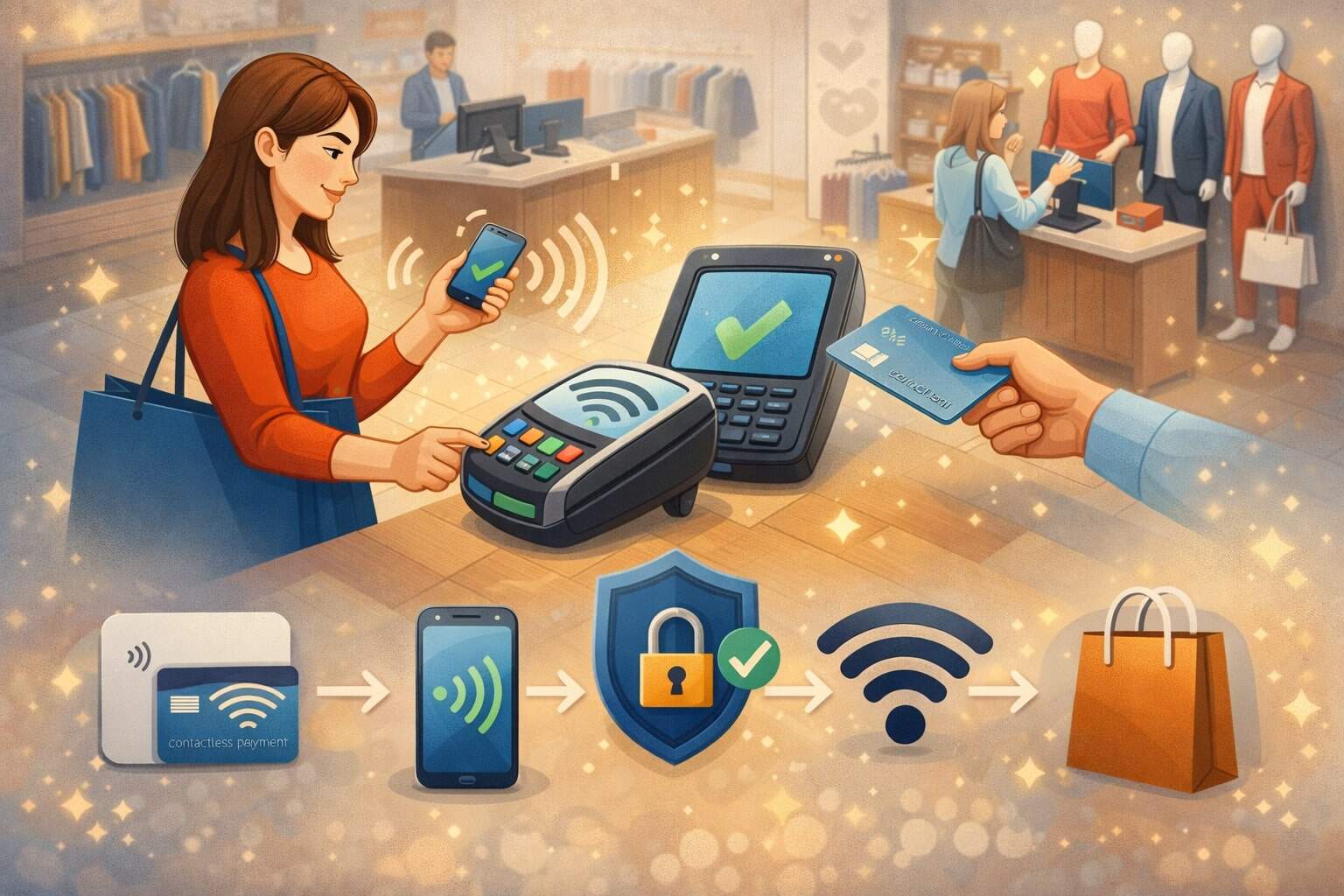
Contactless Payments: What Retailers Need to Know
Contactless payments have moved from “nice-to-have” to a checkout expectation. Shoppers want speed, less friction, and fewer checkout surprises. Retailers want shorter lines, higher throughput, and fewer abandoned purchases.
When contactless payments are implemented well, they deliver all of that—without forcing you to choose between convenience and security.
But “accepting tap” is only the starting line. Retailers need to understand how contactless payments actually work (cards vs. mobile wallets), what can go wrong, and where the industry is going next (phone-as-terminal, better NFC reliability, tighter security requirements, and more data-driven commerce).
This guide breaks down the operational, security, customer experience, and future-facing decisions you’ll make around contactless payments—so you can reduce friction at the point of sale, protect your business, and keep customers coming back.
Along the way, you’ll see practical examples, setup checklists, and a clear approach to measuring ROI from contactless payments.
What Contactless Payments Are and How They Work in the Real World
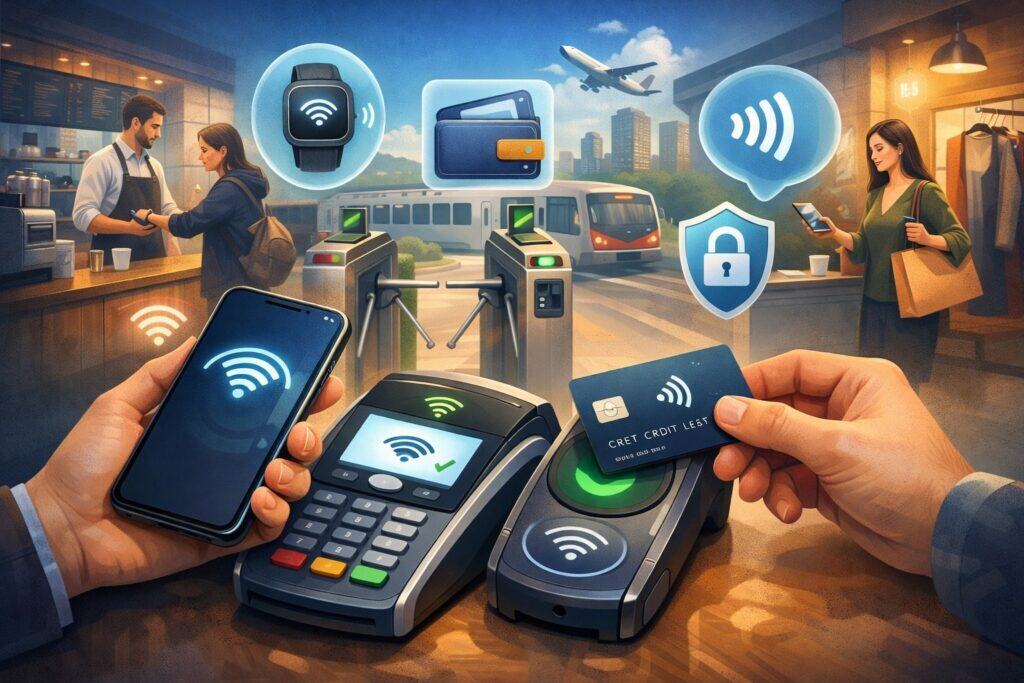
Contactless payments are in-person transactions completed by tapping a payment device (card, phone, wearable) near a compatible reader—without inserting a chip card or swiping a magstripe.
Most contactless payments rely on NFC (Near Field Communication), a short-range wireless standard designed for fast exchanges in very close proximity. NFC isn’t just for payments; it also supports other “tap” use cases like device pairing.
The key point for retailers is that NFC powers the “tap moment,” but payments also depend on card-network rules, terminal settings, and cryptographic security under EMV contactless specifications.
In practical terms, contactless payments fall into two main buckets:
- Contactless card taps: These use the card’s contactless chip. The terminal and card exchange data and generate security values that help validate the transaction. EMVCo manages the specifications and related programs that enable interoperable, secure card-based payments, including EMV Contactless.
- Mobile wallet taps: When a customer taps with a phone or wearable, the wallet often uses tokenization. Instead of transmitting the actual card number, many mobile wallet transactions use an EMV payment token designed to be constrained (for example, to a device or use case), reducing the value of intercepted data.
For retailers, the benefit of contactless payments isn’t only speed. It’s also consistent—customers increasingly expect to tap across grocery, convenience, quick service, specialty retail, and events.
And because contactless payments sit at the intersection of hardware, software, and network rules, your best results come from treating them as a checkout system—not a single terminal feature.
Why Contactless Payments Matter for Retail Operations and Customer Experience
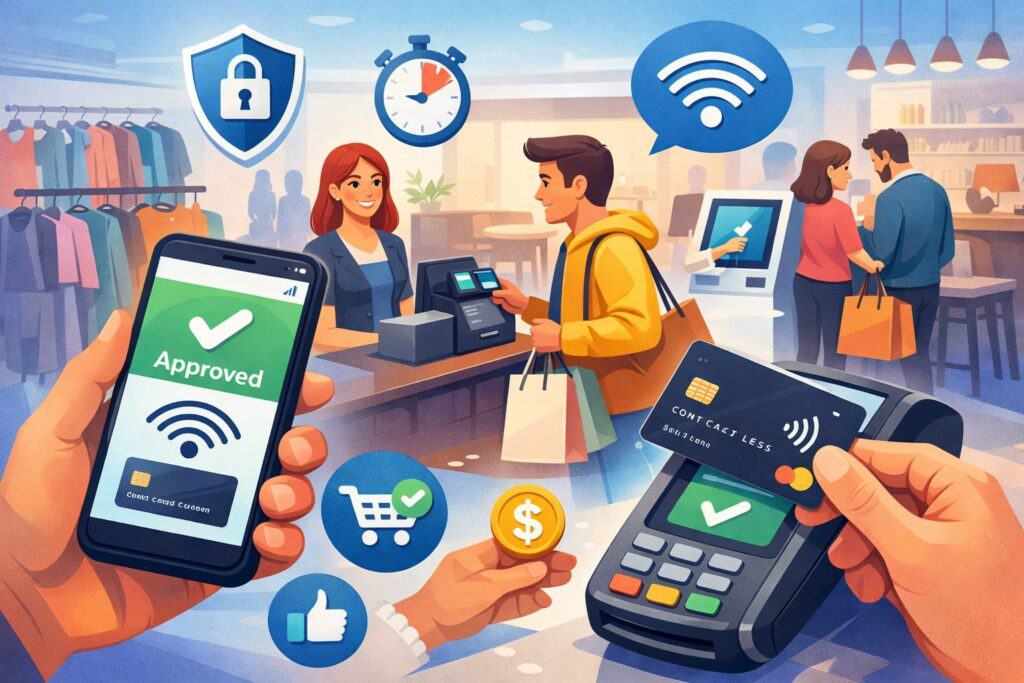
Retail checkout is a performance system. Every extra step—reaching for a wallet, inserting a chip, waiting for prompts, signing, re-trying a failed dip—adds time, breaks flow, and increases line anxiety.
Contactless payments reduce those micro-frictions. When tap works reliably, customers complete payment in a simple “tap, approve, done” pattern. That predictability matters as much as raw speed.
Contactless payments also help you standardize experiences across locations and staff skill levels. New cashiers may struggle with chip insert prompts, split tender workflows, or “card read error” troubleshooting.
A well-configured contactless flow simplifies training: confirm total, prompt tap, confirm approval, hand receipt. You reduce the number of times a cashier must intervene.
There’s also a customer-trust component. Many shoppers associate contactless payments with modern, secure commerce—especially when the terminal clearly signals “tap accepted” and the receipt reflects the correct last-4 or tokenized method. If a customer has to ask, “Do you take tap?” and hears “maybe,” you’ve created doubt before the transaction even begins.
On adoption: consumer behavior has steadily moved toward mobile pay and tapping. For example, the Federal Reserve Bank of Atlanta has discussed the growth of mobile pay over time, describing how mobile pay went from very low usage in 2010 to winning over a large share of consumers over the following years.
Retailers don’t need to obsess over any single statistic to act; the point is that contactless payments are no longer niche. They are now part of baseline checkout expectations—especially for customers who value speed and minimal friction.
The businesses that win with contactless payments treat them as a customer experience lever: faster lines, fewer awkward pauses, and fewer “try again” moments.
The Technology Stack Behind Contactless Payments
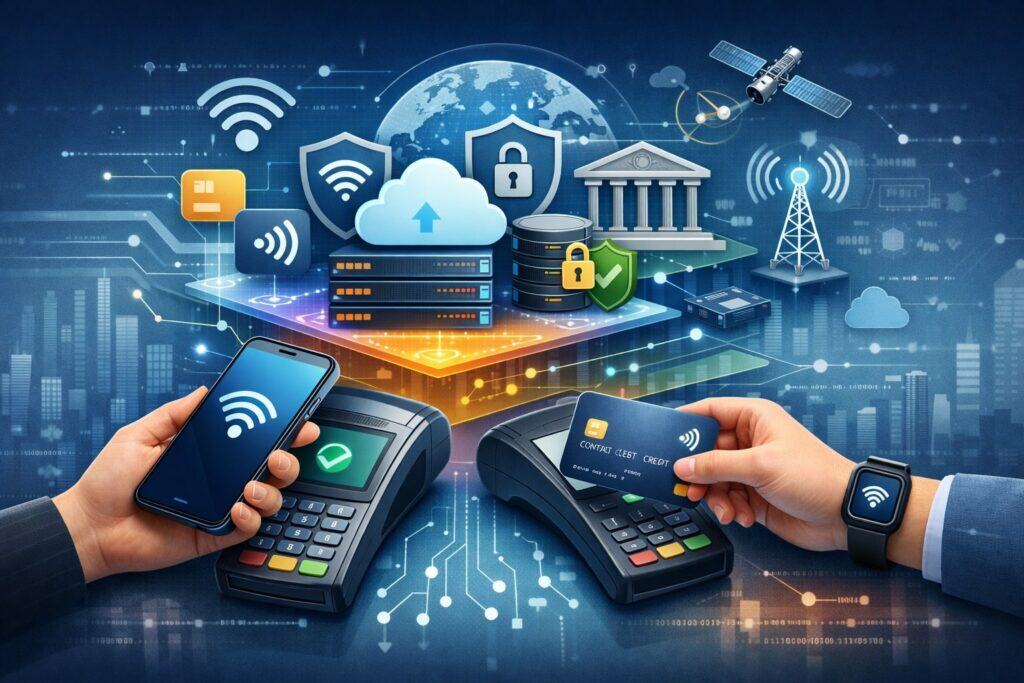
Contactless payments feel simple at checkout, but under the hood they depend on a layered stack. Understanding that stack helps retailers troubleshoot faster, choose better vendors, and avoid reliability mistakes.
NFC and the Tap Experience
NFC is the near-field radio technology that enables the tap. NFC Forum specifications define and harmonize standards across modes that include card emulation (critical for payments), reader/writer, and peer-to-peer. For retailers, the “card emulation” idea is especially important: the phone can behave like a payment card to the terminal.
One reason retailers sometimes struggle with contactless payments is that NFC is sensitive to physical alignment, reader antenna placement, and environmental factors (metal enclosures, poor mounting, awkward counter angles).
The good news is that the NFC ecosystem is improving reliability. In 2025, NFC Forum announced NFC Release 15, described as extending the range of certified compliant NFC contactless connections (a change that can make “tap” less finicky).
For retailers, that future direction suggests fewer failed taps and a more consistent experience across devices—especially wearables and smaller form factors.
EMV Contactless and Transaction Security
EMV contactless is the payment-layer standard that governs how terminals and contactless devices communicate for secure transactions. EMVCo’s resources describe EMV contactless as supporting secure transactions with contactless chip cards and NFC-enabled devices.
Retailers don’t need to memorize EMV specs, but you do need to ensure your POS and terminals are EMV contactless-capable and correctly configured for your acceptance environment (retail vs. hospitality vs. transit-like flows). Misconfigurations can show up as inconsistent approvals, unexpected prompts, or higher-than-expected fallback to chip insert.
Tokenization and Mobile Wallet Protections
Tokenization matters because mobile wallets often replace the card number with a token that’s less useful to criminals if compromised. EMVCo describes payment tokenization as replacing the PAN with an EMV Payment Token that can be constrained to a specific merchant, device, or payment scenario.
From a retailer standpoint, this means contactless payments via mobile wallets can reduce exposure of sensitive card data in your systems—especially when paired with good point-to-point encryption and strong gateway controls. It doesn’t eliminate compliance needs, but it can help reduce risk when implemented properly.
Contactless Payments Acceptance Options for Retailers
Retailers typically adopt contactless payments through one (or more) of these acceptance models. The right choice depends on your checkout style, average ticket, environment, and how often you refresh hardware.
Traditional POS Terminals and Integrated Readers
This is the most common path: countertop terminals, pin pads, or integrated readers that support chip + swipe + contactless payments. Your success here depends on:
- Hardware quality and placement (tap zone visibility, stable mounting)
- Software integration (fast prompts, minimal extra screens)
- Processor and gateway support (consistent token/wallet handling)
- Up-to-date terminal configuration (contactless enabled for the networks you accept)
Retailers should also validate that “tap” works for both contactless cards and mobile wallets during pilot testing—not just one device type. A terminal might accept contactless payments from cards but show inconsistent behavior for certain wallet transactions if configurations or certifications are incomplete.
SoftPOS and Phone-as-Terminal
A fast-growing model is turning a phone into a payment acceptance device. Apple’s “Tap to Pay on iPhone,” for example, allows merchants to accept in-person contactless payments using only an iPhone and a supported payment app, with customers tapping a contactless card or wallet near the merchant’s phone.
For retailers, phone-as-terminal can be a big operational unlock:
- Line-busting during rush hours
- Pop-up selling on the floor
- Curbside or queue-based payments
- Seasonal overflow without buying extra terminals
The tradeoffs are real: device management, staff policies, supported payment apps, and ensuring receipts/taxes/inventory stay synchronized with your core POS. Still, as contactless payments expand beyond fixed checkout counters, SoftPOS becomes a serious option—not a gimmick.
Self-Checkout, Kiosks, and Unattended Retail
Unattended lanes have different constraints: faster flows, fewer prompts, and higher sensitivity to misreads. For kiosks, the best contactless payments results come from:
- Large, well-marked tap targets
- Clear on-screen timing and feedback
- Minimal authorization surprises
- Strong monitoring for device/reader health
This environment is where improved NFC reliability (like the direction signaled by NFC Release 15) can have an outsized impact over time.
Security, Fraud, and Compliance for Contactless Payments
Retailers sometimes assume contactless payments are “automatically safer,” and in many ways the ecosystem is designed to reduce certain risks. But security is still a shared responsibility across your POS, network, staff behavior, and compliance program.
At the payment standard level, EMV contactless is built to support secure transactions with contactless devices. Mobile wallets also often add tokenization benefits that reduce the value of stored or intercepted card numbers. But those protections don’t replace basic controls like segmentation, patching, strong access management, and incident readiness.
A major compliance reality retailers must track is PCI DSS version 4.x. The PCI Security Standards Council has communicated that future-dated requirements come into effect on 31 March 2025, and organizations should adopt them to be ready.
If your contactless payments environment includes any systems that store, process, or transmit cardholder data—or can impact the security of those systems—PCI scope and responsibilities apply.
Retailers should prioritize these practical safeguards for contactless payments:
- Keep payment acceptance devices managed and updated: Terminals and POS devices should receive security patches and vendor updates on schedule.
- Reduce card-data exposure: Use validated P2PE solutions where appropriate, and avoid storing card data unless you have a strong business reason and mature controls.
- Lock down POS access: Limit admin privileges, enforce strong authentication, and review access regularly.
- Monitor for tampering and anomalies: Train staff to recognize altered terminals, unusual overlays, or unexpected cables.
- Harden your network: Segment POS traffic, restrict outbound connections, and centralize logging for quick investigation.
Fraud patterns also evolve. Contactless payments can reduce certain counterfeit card risks compared to magstripe, but you still face risks like social engineering, refund abuse, and “friendly fraud” disputes.
Your best defense is a combination of clean transaction data, consistent receipts, clear refund policy enforcement, and modern fraud tooling from your processor.
Implementation Checklist: Rolling Out Contactless Payments Without Disrupting Your Store
Retailers get the best ROI from contactless payments when the rollout is treated as a controlled operational change, not a last-minute terminal toggle. Here’s a rollout approach that avoids the most common failures.
1) Audit your current acceptance setup: List every lane type (manned, self-checkout, mobile), every device model, and every POS version. Confirm which ones support contactless payments and which require replacement. Include kiosks, seasonal lanes, and backup devices.
2) Validate processor and gateway capabilities: Ask your provider how contactless payments and mobile wallets appear in reporting. Make sure your reconciliation, tips (if applicable), returns, and surcharges/cash discounting logic behave correctly with wallet transactions.
3) Pilot in one representative location: Choose a store that reflects real operating conditions (busy hours, mixed customer demographics, typical staffing). Test contactless payments with multiple device types: contactless cards, at least two major mobile wallets, and at least one wearable.
4) Train for exceptions, not just the happy path: Staff should know what to do when:
- a tap fails repeatedly
- a customer’s wallet prompts for a device passcode
- the terminal requests insert instead
- a return is requested for a wallet purchase
5) Make the tap target obvious: Good signage matters. The best contactless payments adoption often comes from customers noticing they can tap without asking. Align the terminal so customers can comfortably tap without twisting wrists or reaching across a counter.
6) Measure operational impact: Track: average checkout time, line length during peak, decline rates, retry rates, and refund/chargeback rates. Contactless payments improvements should show up in throughput and reduced friction.
7) Expand with consistent configurations: Once the pilot is stable, deploy with standardized terminal settings and consistent software versions. Many reliability issues come from “nearly the same setup” across stores.
Contactless Payments Trends and Future Predictions Retailers Should Prepare For
Retailers who plan ahead for contactless payments trends avoid expensive rework. The next phase isn’t just “more tapping.” It’s tapping integrated into identity, loyalty, receipts, and smarter commerce flows.
Prediction 1: Tap reliability improves, making “tap-first” the default.
NFC Release 15 signals a direction toward more reliable contactless interactions by extending certified connection range, which should reduce the precision required for successful taps. Over time, that means fewer failed contactless payments, fewer customer retries, and smoother wearable payments.
Prediction 2: Phone-as-terminal expands into mainstream retail operations
Tap-to-accept solutions are moving from niche to practical. Apple’s Tap to Pay on iPhone is positioned as a way for merchants to accept contactless payments with only an iPhone and a supported payment app.
This makes it easier to add new “checkout moments” in-store—associate checkout, queue busting, pop-ups, and service counters—without buying and managing as many traditional terminals.
Prediction 3: Tokenization becomes more central to fraud reduction and customer experience
EMV payment tokenization is designed to replace the PAN with an EMV Payment Token constrained in how it can be used.
As tokenization becomes more widespread across channels, retailers can expect better alignment between security and convenience—especially when combined with digital receipts, stored credential frameworks, and omnichannel identity.
Prediction 4: Costs and competition remain a live issue
Payments economics and network dynamics can influence the experience retailers deliver. Ongoing legal and market developments—like disputes around fees and competition—show that the “business side” of contactless payments will continue to evolve alongside technology. Retailers should watch how wallet adoption, routing, and incentive structures affect total acceptance cost.
Prediction 5: Checkout becomes a “single tap” experience that includes more than payment
The strategic opportunity is bundling: payment + loyalty + offer redemption + receipt delivery. Retailers that build toward one smooth contactless payment moment (instead of multiple disjointed prompts) will win repeat visits.
FAQs
Q.1: What do I need to start accepting contactless payments?
Answer: To accept contactless payments, you need a contactless-capable reader (or phone-as-terminal solution), a POS/payment app that supports tap transactions, and a processor setup with contactless enabled for the networks you accept.
In practice, most modern EMV terminals support contactless payments, but retailers still need to confirm configuration and certification—especially for mobile wallets. Do a real pilot test using contactless cards and multiple wallet devices.
Also confirm that returns, tips (if applicable), and reporting work correctly for contactless payments so your accounting team isn’t surprised later.
Q.2: Are contactless payments safe for retailers?
Answer: Contactless payments are designed with strong security standards, including EMV contactless specifications and, for many mobile wallets, tokenization that replaces the card number with a constrained token.
That said, retailers still need strong operational security: patched devices, locked-down POS access, network segmentation, and PCI-aligned controls. PCI DSS v4.x requirements taking effect on March 31, 2025 are a key milestone to consider when updating your payment security program.
Q.3: Why do some contactless payments fail even with “tap enabled”?
Answer: Most failures come from hardware placement, weak NFC antenna positioning, outdated firmware, or inconsistent POS prompts that cause customers to tap too early or too late. Environmental factors can also matter—metal counters, thick cases on phones, or awkward angles.
It’s also possible your device is certified but not fully configured across all acceptance types. Track retry rates by lane and device model; a pattern usually reveals whether it’s placement, hardware, or software.
Q.4: Should I choose a traditional terminal or Tap to Pay on a phone?
Answer: It depends on your workflow. Traditional terminals are best for fixed lanes with consistent volume and peripheral needs (cash drawer triggers, barcode scanners, customer-facing displays).
Phone-as-terminal solutions are ideal for line busting, pop-ups, events, service counters, and “checkout anywhere” experiences. Apple’s Tap to Pay on iPhone is one example of turning a phone into a contactless acceptance device through a supported payment app. Many retailers use both: terminals for lanes, phones for overflow and mobility.
Q.5: How can I increase adoption of contactless payments at checkout?
Answer: Make tapping obvious and effortless. Use clear signage, ensure the tap target is visible and reachable, and train cashiers to prompt, “You can tap, insert, or swipe.”
Keep prompts minimal and consistent. Measure retry rates: if customers have to tap twice, adoption drops. The best adoption comes when contactless payments “just work” and customers never have to ask.
Conclusion
Contactless payments are now a core part of modern retail checkout. They reduce friction, speed up lines, and align with how customers increasingly prefer to pay—especially when tapping with phones and wearables.
The retailers who benefit most don’t treat contactless payments as a simple feature switch. They treat it as a system: hardware placement, software prompts, staff training, security controls, and performance metrics working together.
To win with contactless payments, focus on reliability first (fewer failed taps), then optimize the experience (clear prompts, simple flows), then scale smartly (standardized configurations across stores).
Keep security and compliance current—especially as PCI DSS v4.x requirements have key deadlines—and take advantage of ecosystem improvements like better NFC reliability and expanding phone-as-terminal options.
The future of contactless payments is bigger than “tap.” It’s a single, smooth customer moment that can combine payment, loyalty, personalization, and digital receipts—without slowing the line. Retailers who build toward that now will be positioned to grow faster, operate cleaner, and deliver the checkout experience customers expect.